The iOS Simulator for coding agents.
Claude Code, Codex, Cursor or any MCP client builds your app, reads the screen as text and taps by label. Free and open source.
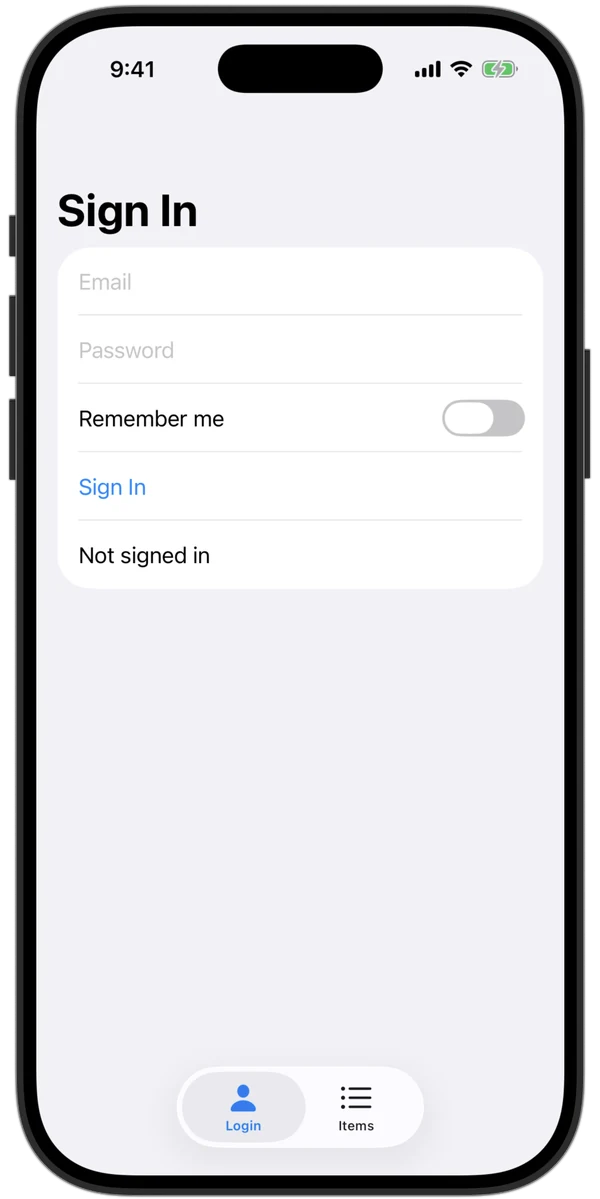
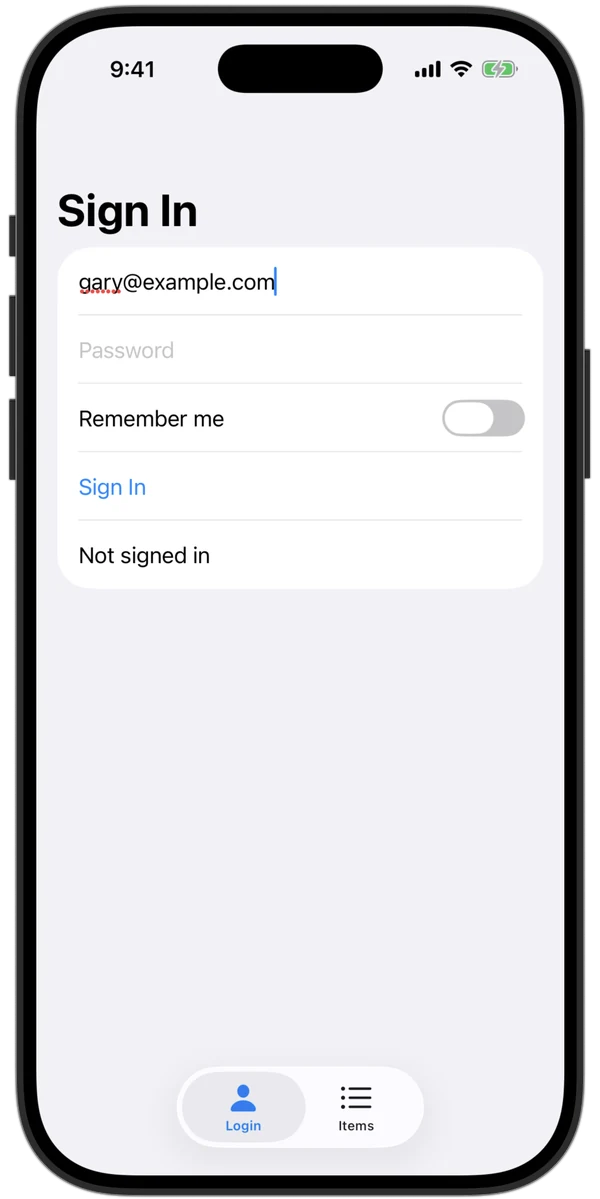
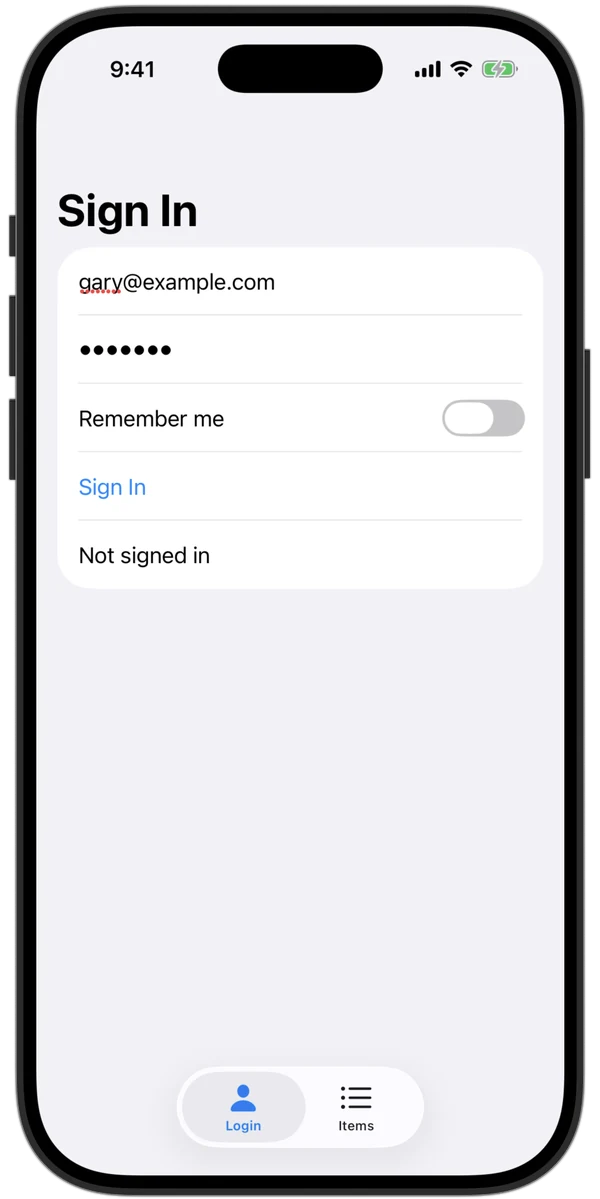
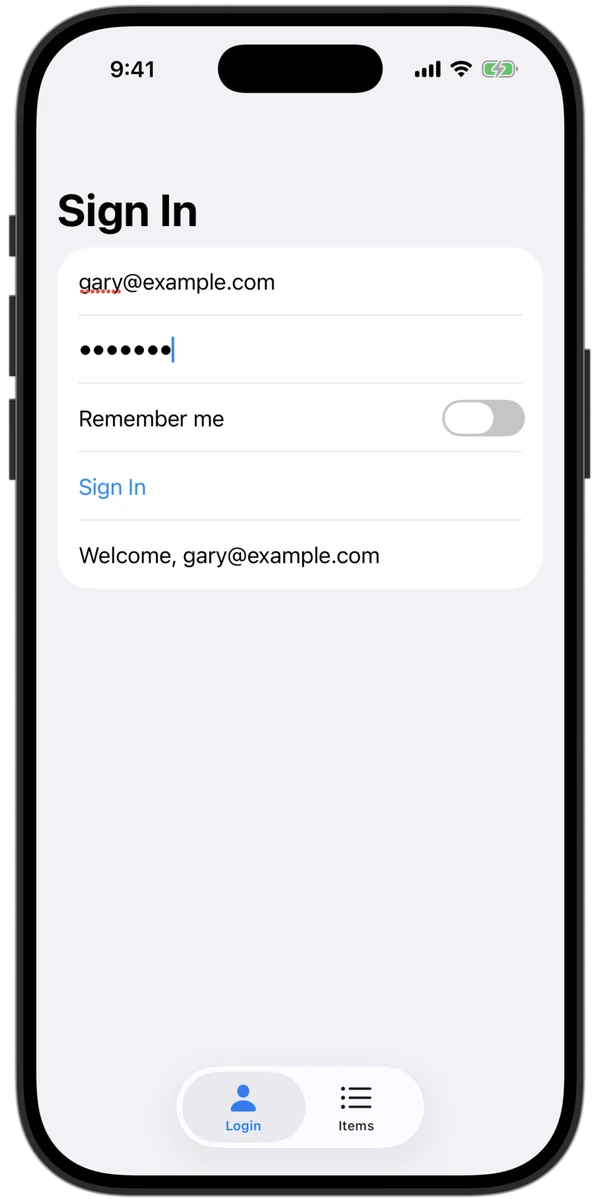
One engine per Simulator.
It keeps the input, the accessibility session and the screen buffer open. A tool that starts a helper for every call pays for them every time.
ui_lookui_look screenshotui_act tap "Settings"the input aloneThe same tools with the engine on and off (off: AXe 1.8.0, one process per call). Apple M6 Mac mini, iOS 27.0, October 21, 2026. Scripts in native/engine/bench.
A whole agent run: 67 seconds, 808 tokens.
Twelve tasks on the demo app, from a fresh phone to a failing sign-in. Rerun it with scripts/golden-cloud.mjs.
| Task | Seconds | Tokens |
|---|---|---|
| A cloud phone, ready | 2.71 | 0 |
| The project from git | 5.34 | 19 |
| Build, install and launch | 15.18 | 89 |
| Read the screen | 0.61 | 71 |
| Sign in and wait for "Welcome" | 6.75 | 29 |
| Toggle a switch | 2.75 | 14 |
| Open an item | 4.32 | 49 |
| Back and scroll | 5.59 | 138 |
| The app's print output | 0.46 | 122 |
| Find a crash as file:line | 2.10 | 142 |
| Run 3 XCTests | 9.49 | 12 |
| A wrong password fails loudly | 11.96 | 123 |
| 12 of 12 passed | 67.3 | 808 |
On a NoMac cloud phone, October 24, 2026. Tokens are what the agent reads back.
Tools
One list for MCP and the CLI. Every step is checked: typed text is read back, and a tap that changes nothing says so.
app_runBuild, install and launch. Errors as file:line.
ui_lookThe screen as text. A screenshot, or a full-size PNG.
ui_actTap, fill, scroll, swipe, wait. Answers with what changed.
tests_runXCTest and XCUITest, case by case.
app_controlInstall, deep links, permissions, location, push, locale.
app_logsPrint output, system logs and crashes.
screen_recordA video of the screen.
devices, device_usePick and boot a Simulator.
job_status, job_cancelFollow or stop a long build.
cloudRun every tool on a cloud iPhone instead.
Install
Needs a Mac with Xcode and Node 20. Nothing leaves your Mac unless you turn on cloud.
claude mcp add simulator-use -- npx -y simulator-use mcp
codex mcp add simulator-use -- npx -y simulator-use mcp
{
  "mcpServers": {
    "simulator-use": { "command": "npx", "args": ["-y", "simulator-use", "mcp"] }
  }
}
npx simulator-use look npx simulator-use act 'fill #email gary@example.com' 'tap #signIn'
No Mac? Use a cloud iPhone.
The same tools from Linux, Windows or CI, on an iPhone Simulator run by NoMac.
npx simulator-use cloud start
npx simulator-use run      # send, build, launch
npx simulator-use look
npx simulator-use cloud stop

# CI in one line
npx simulator-use cloud run . --tests
- $0.80 an hour, by the minute. No subscription.
- Only changed files are sent; builds stay incremental.
- A live link to watch the phone, and a replay for 7 days.
- A GitHub Action that tests each pull request.